How to Bulk Export Vimeo Videos: The 1-Click Guide (2026)
Googling "how to bulk download Vimeo videos"? You probably realized the button doesn't exist. Vendor lock-in is real, but it’s not unbeatable. Here is how export your entire library without losing your mind.


You Googled this because you found the "Download" button in Vimeo and realized the punchline: It only works for one video at a time.
Vimeo isn't stupid. They know if they added a "Download All" button, their churn rate would look like a vertical line. Vendor lock-in isn't a bug; it's their retention strategy.
If you have 500 videos, Vimeo expects you to click Menu > Download > Select Resolution > Save 500 times. That’s 2,000 clicks. Have fun with the RSI.
Here is how to get your data out of the walled garden, ranked from "Masochist" to "One Click."
Why you can't just "Right Click > Save"
Vimeo doesn't serve you a video file (MP4). They serve you a manifest.
They use DASH (Dynamic Adaptive Streaming), which chops your video into thousands of 4-second .json or .m3u8 chunks. To "download" it manually, you’d have to grab 5,000 chunks, decrypt them, and glue them back together.
The Options
Method 1: Manual Download (The "Intern" Way)
The official way. Go to Video Manager -> Click (...) -> Click Download -> Wait. Repeat until you die of old age.
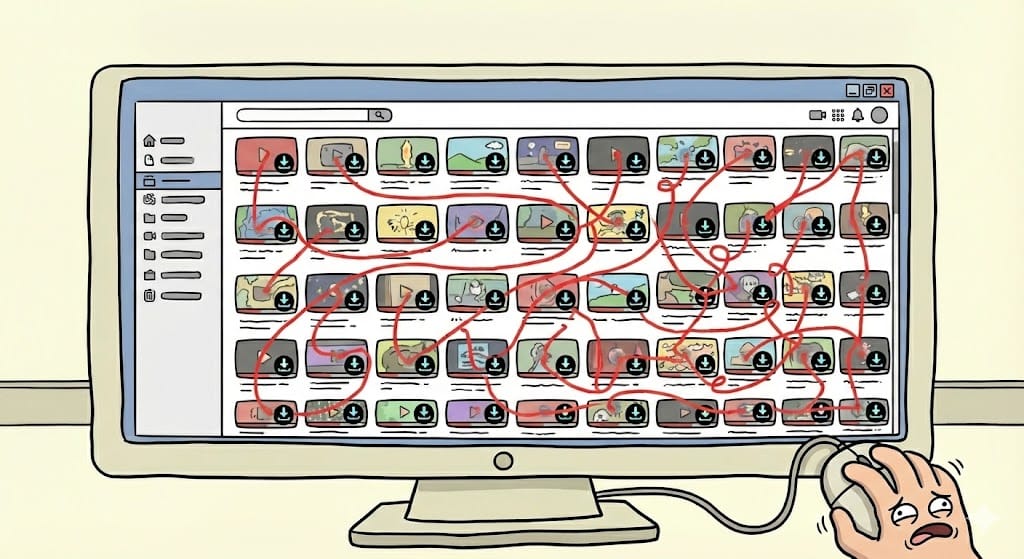
Verdict: Only feasible if you have 3 videos or an unpaid intern you hate.
Method 2: Using Python Scripts (The "Hacker" Way)
If you dream in command line, yt-dlp is the gold standard.

- The Catch: Vimeo blocks data center IPs (RIP your VPN) and requires session cookies to prove you're human. You’ll need Python, FFmpeg, and a sketchy extension to export your cookies to a text file.
- The Risk: If your session expires mid-batch, you start over. If you share that cookie file, you get hacked. Verdict: Powerful, but requires an engineering degree.
Method 3: Chrome Extensions (And Why They Are Risky)
Search "Vimeo Downloader" and pick one of the fifty sketchy extensions.

- The Catch: Half don't work (thanks to the DASH issue above). The other half ask for permission to "Read and change all data on websites you visit." Verdict: Enjoy your new malware.
Method 4: The 1-Click Import Tool (Free & Secure)
We built the Livid One-click Video Exporter (LOVE) because we were tired of the other three options.
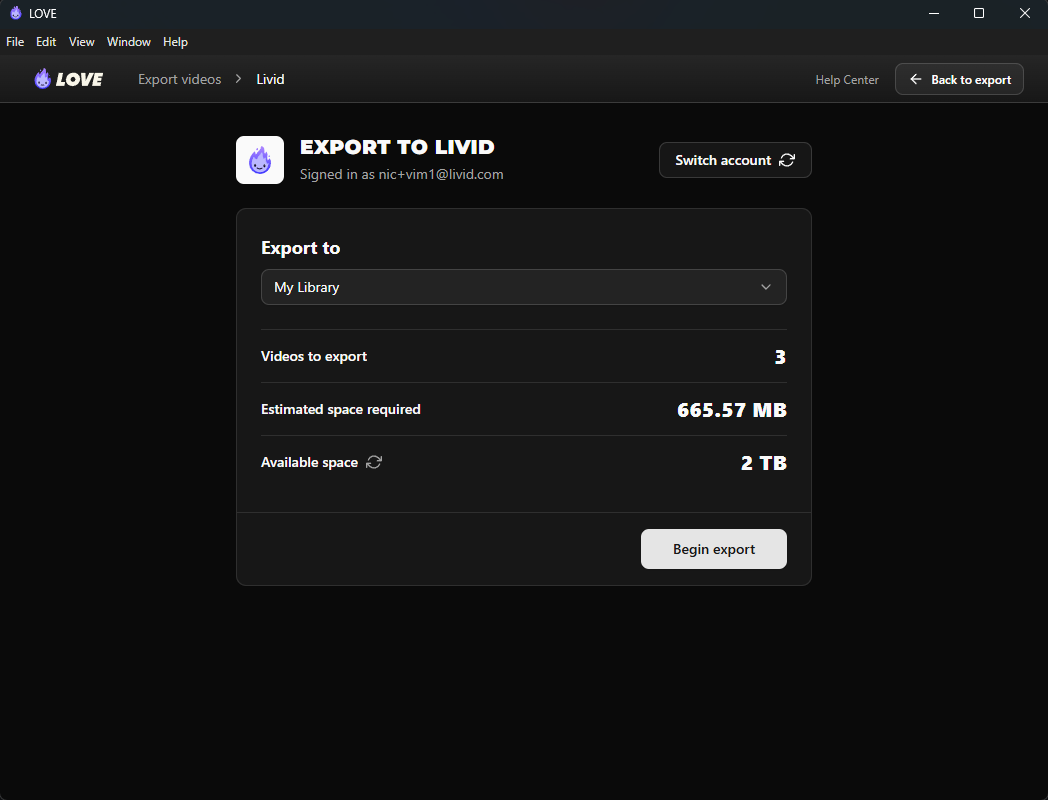
It’s a desktop tool (Windows/Mac) that bypasses the manual labor:
- Bulk Export: Grabs your entire library.
- Keeps Context: Recreates your folders and keeps metadata intact.
- Move Anywhere: Save to your hard drive, Google Drive, Dropbox, or import directly to Livid.
It is 100% free. You don't even need to use Livid to use the tool. We just want to help you break up with Vimeo
How to export your Vimeo library in 3 steps:
- Download LOVE
- Log into your Vimeo account from the LOVE tool
- Select the videos you wish to export
- Choose to download or export to Google Drive or Livid


Looking for a new home? If you do import to Livid, you get the ad-free hosting you actually wanted. There's a free plan or for $10/mo you'll get:
- 2TB Storage
- Fully customizable player, including removing our logo and adding yours
- Passworded and Unlisted sharing
Use the tool. Get your data back. It’s yours.
Once you've got your videos out, you need a place to put them. Check out our breakdown of the [best Vimeo alternatives for 2026] to see why Livid beats Wistia and YouTube on value.