The Livid WordPress plugin now supports WPBakery and Bricks

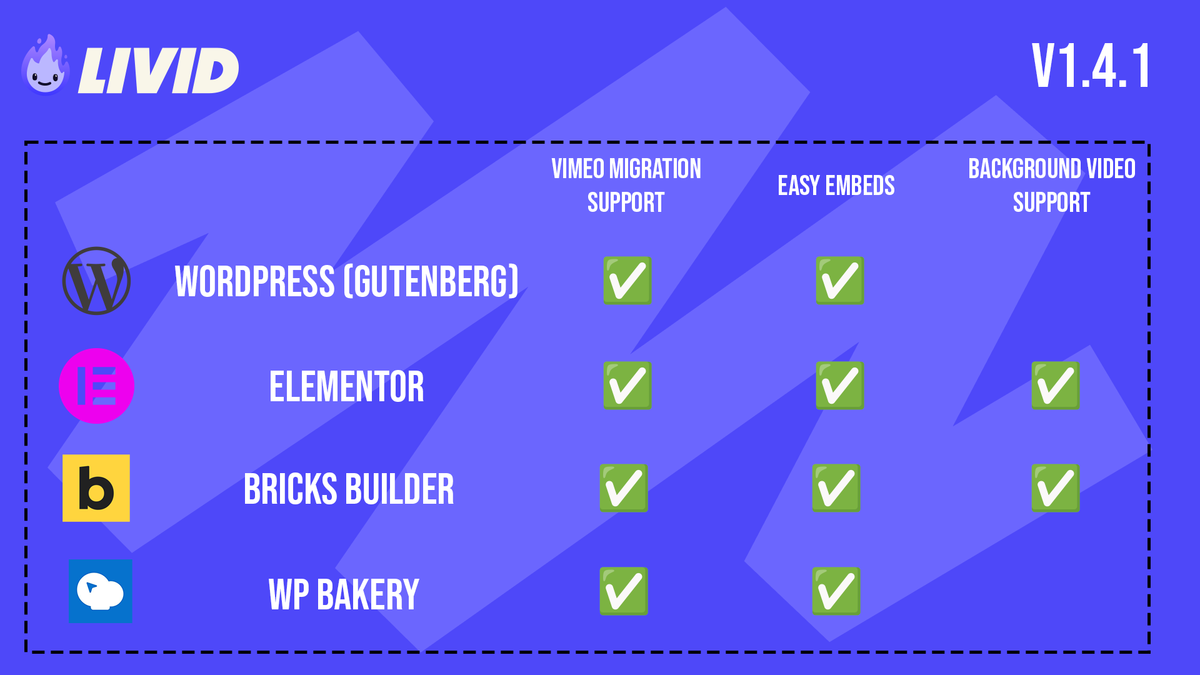
A month ago we released a WordPress plugin that scans your site for Vimeo embeds and swaps them for Livid videos in the background. It worked with Gutenberg and Elementor out of the box. The most common response: "What about my page builder?"
Fair. Gutenberg and Elementor cover a lot of ground, but a huge number of WordPress sites are built on WPBakery or Bricks. If the plugin couldn't reach those pages, the migration was incomplete and you'd still be hunting down stragglers by hand.
So we fixed that.
WPBakery Page Builder
The plugin now ships a native Livid Video element for WPBakery. Drop it into any layout the same way you'd add a video from the built-in element library.
On the migration side, the scanner picks up Vimeo embeds wherever WPBakery stores them. That means [vc_video] shortcodes with Vimeo links, and Vimeo iframes buried inside [vc_raw_html] or [vc_raw_js] blocks. Both get caught in the scan and converted when you run the migration.
We also hardened the oEmbed output so Livid embeds render correctly inside WPBakery's responsive video wrapper. Previously, some host containers could mess with the aspect ratio or sizing. That's sorted.
There's also a general-purpose [livid_video] shortcode that works anywhere, not just inside WPBakery. Useful if you have pages that mix builders, or if you just prefer shortcodes.
Bricks Builder
Same treatment. A first-class Livid Video element is registered directly from the plugin, so there's no child theme or custom code required. It shows up in the Bricks element panel alongside everything else.
Beyond the standard embed element, Livid URLs also work in two places Bricks users actually care about: the background Video URL control (for chromeless background videos on sections) and the link control's lightbox video option. Both just work when you paste a Livid share link.
The migration scanner now reads Bricks page data directly (the _bricks_page_content_2 meta), so it finds Vimeo embeds in Video elements and iframes sitting inside rich-text elements. Previously, Bricks pages with empty post_content were invisible to the scan. That's fixed too.
Elementor background videos
While we were at it, we added support for Livid URLs in Elementor's background Video Link field. Paste a Livid share link into the background video control on any section, column, or container, and it plays as a chromeless background video. If you'd previously pasted a Livid URL there and nothing happened, it'll start working after the update.
Same workflow, more coverage
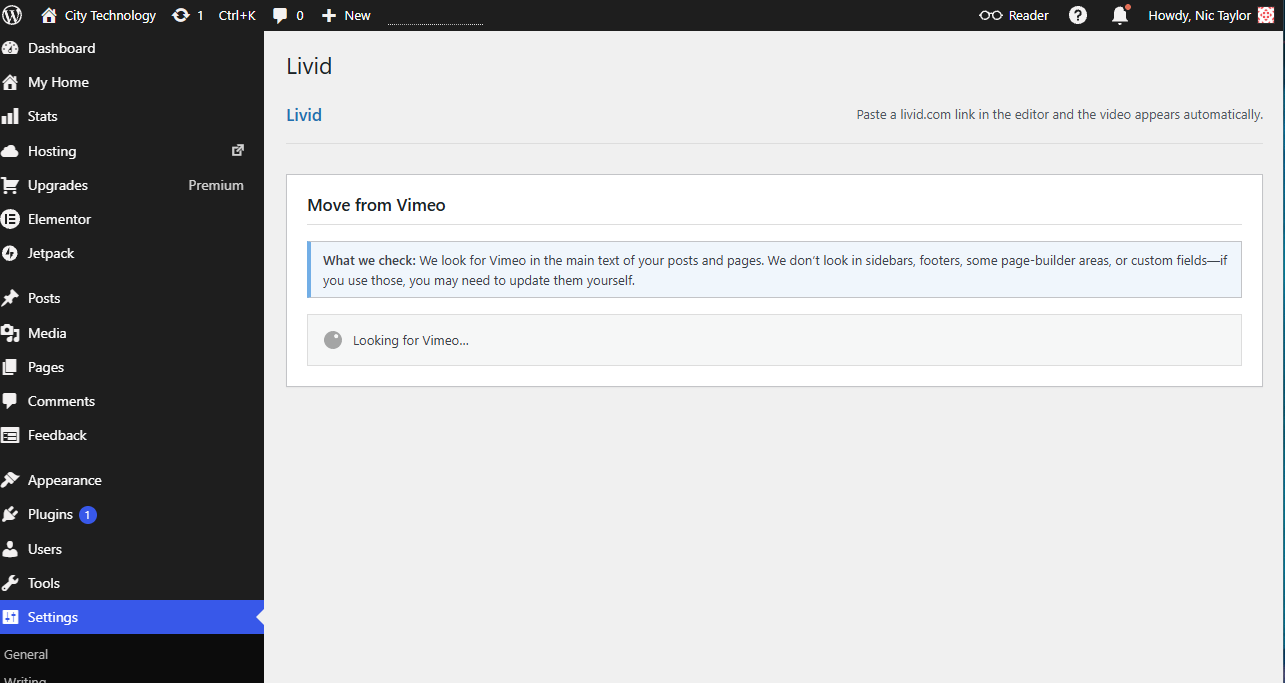
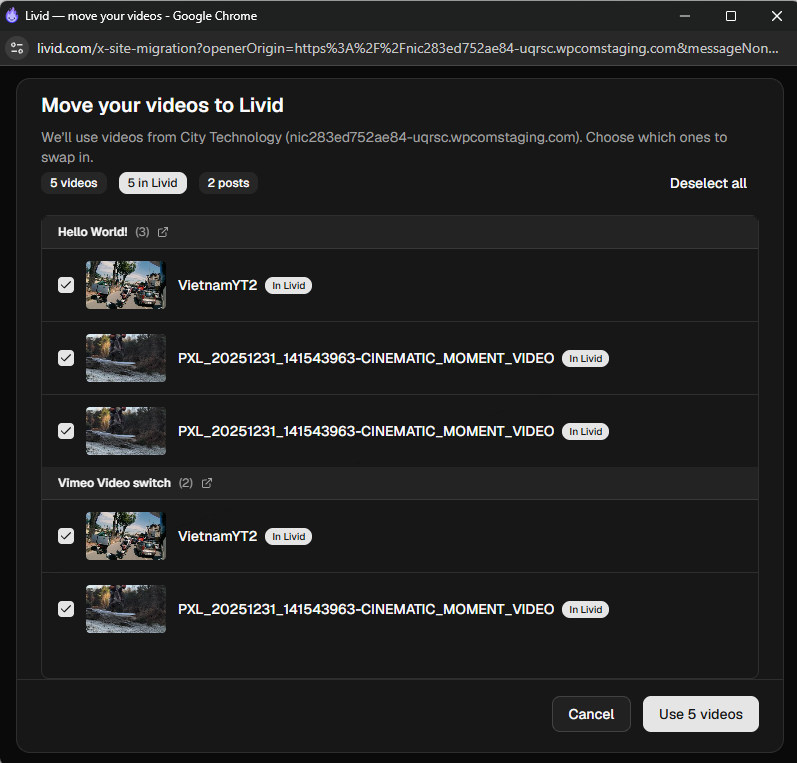
Nothing changes about how you use the plugin. Install it, hit Start Scan, map your videos in the popup, and let the background runner do the rest. The difference is that the scan now reaches WPBakery and Bricks pages alongside Gutenberg and Elementor, so you're not left with a partial migration.
The plugin is free on the WordPress.org directory. If you haven't moved your videos to Livid yet, LOVE handles the transfer from Vimeo, and the plugin handles your embeds