We built a WordPress plugin to bulk switch out your Vimeo videos

Moving your videos from Vimeo to Livid using LOVE takes a lot of pain out of the switching process. Moving your actual website Vimeo embeds, however, usually requires hours of tedious manual labor...Until now.
Our new WordPress plugin scans your entire site, matches your old video footprints, and swaps them out for the equivalent Livid video while you do something better with your day.
How it solves your content team's existential dread
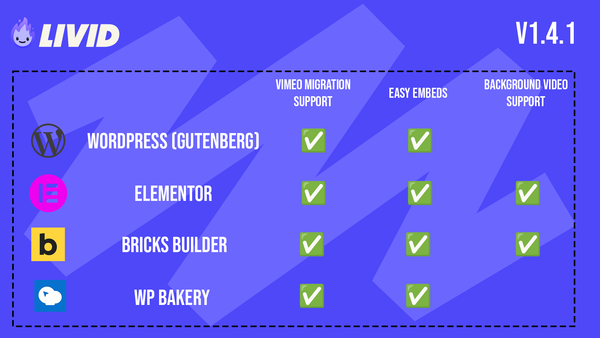
- Deep scanning: The plugin hunts down Vimeo videos embedded directly into your WordPress site, or via the Elementor plugin.
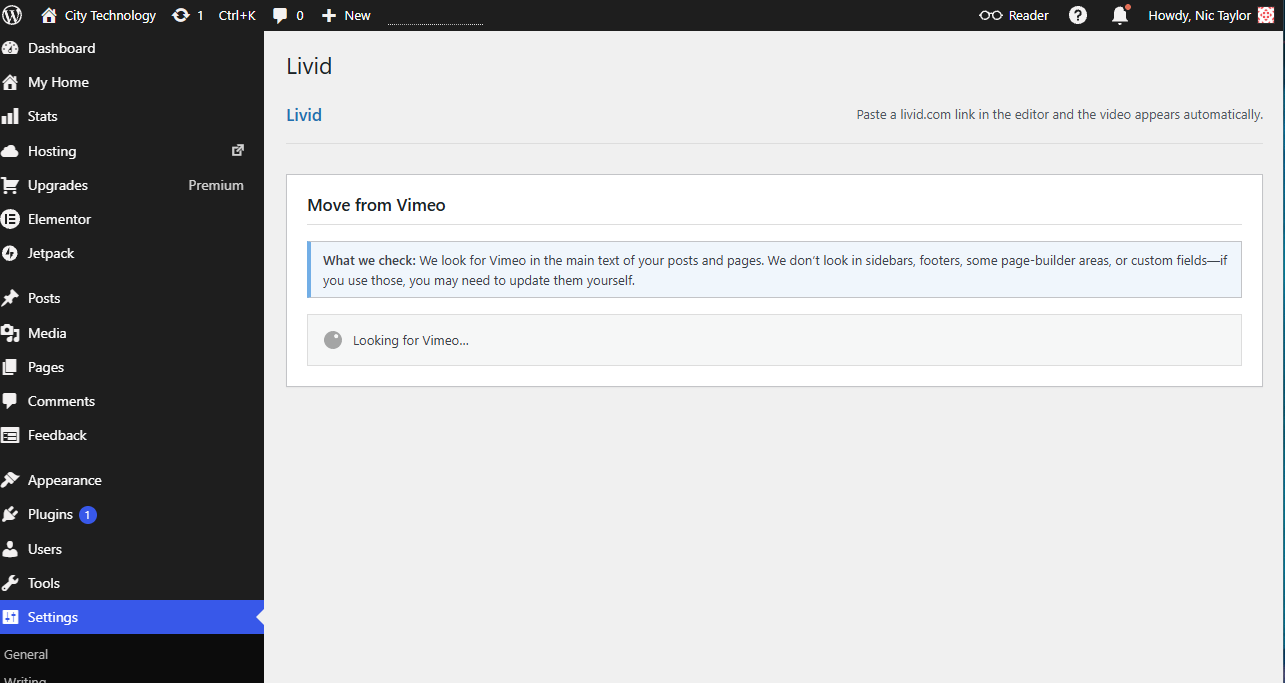
- Zero timeouts: For massive sites, the heavy lifting runs in the background using Action Scheduler jobs. Your site will not crash.
- Control freak approved: You choose exactly what gets replaced through a simple migration mapping popup before anything changes.
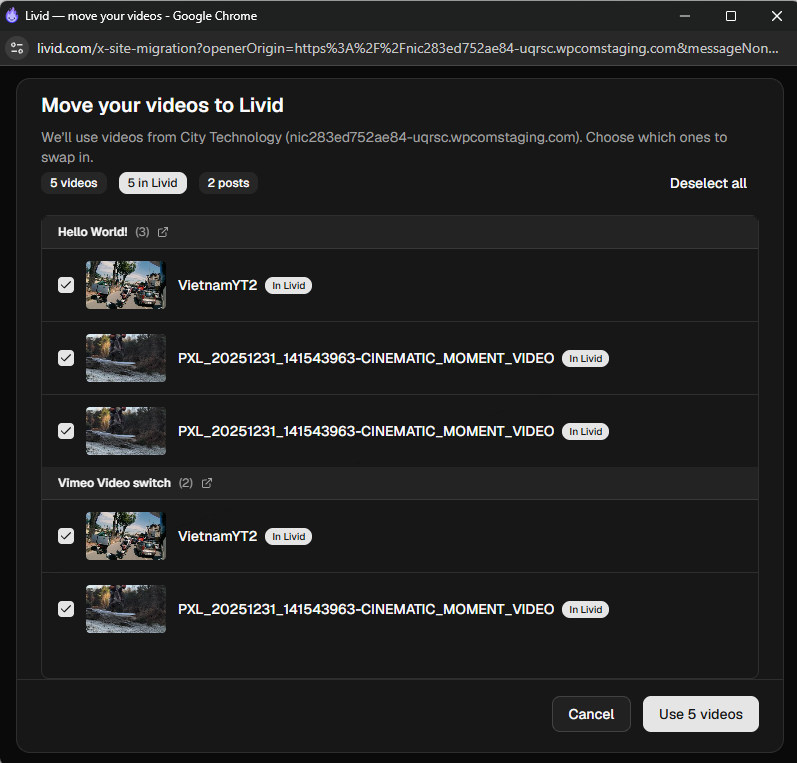
- Safety nets: Every single update generates a standard WordPress revision tagged with a unique migration ID. If you mess up the mapping, just roll it back.
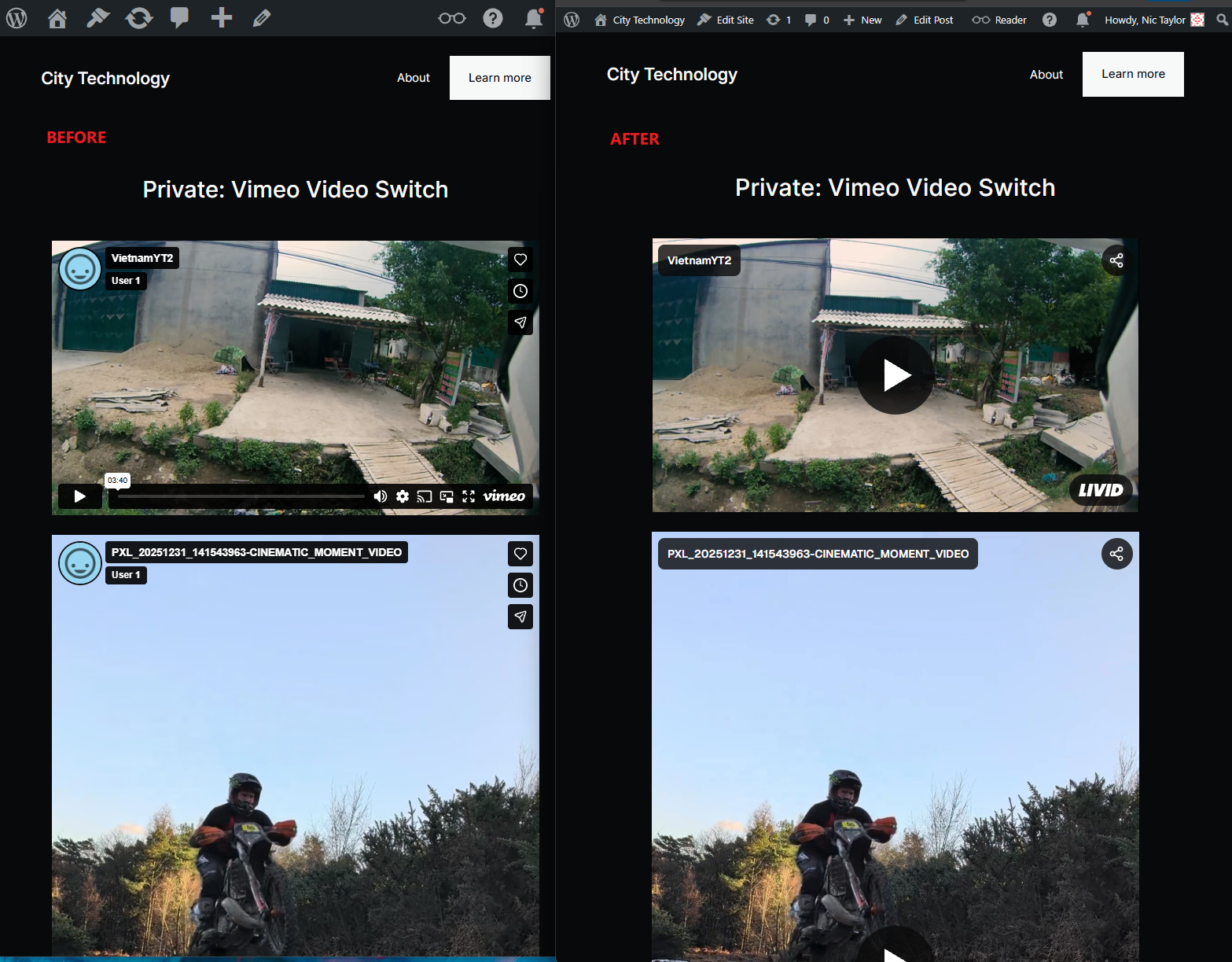
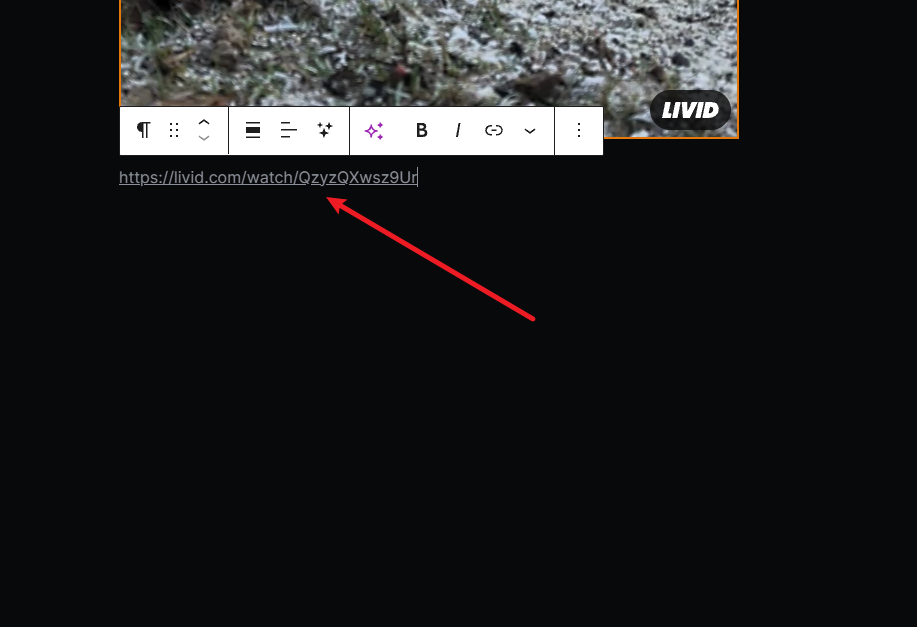
- Permanent oEmbed: Leave the plugin installed to register Livid as an official provider, meaning future videos can be embedded with just the Livid share link.